Open the AI Voiceover
Launch the AI Voiceover and choose Voice Generator or Audio Transcriber to start your workflow.

Create realistic voiceovers from text or recordings with advanced AI. Customize every voice or clone your own to produce commercial-ready audio for any project.
Create original soundtracks, songs, and scores with advanced AI technology. Fine-tune every track to match your creative vision.
Generate professional AI voiceovers from text or recordings. Pick a voice, personalize every detail, and create natural-sounding audio in seconds.
Launch the AI Voiceover and choose Voice Generator or Audio Transcriber to start your workflow.
Select a premium AI voice or upload your audio to create a custom voice clone for your project.
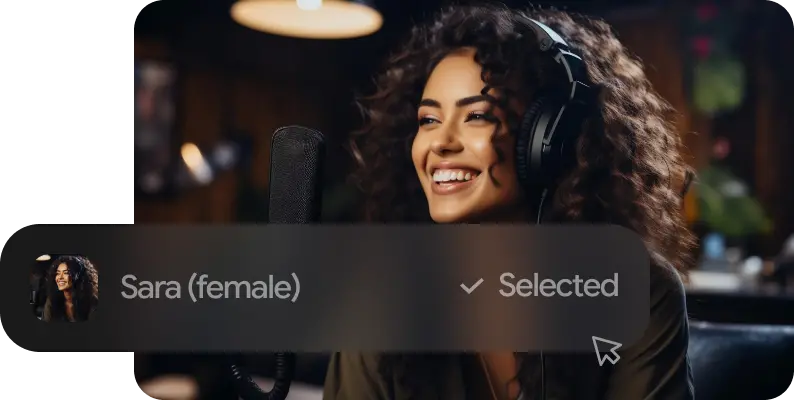
Adjust language, tone, and delivery settings, then generate polished voiceovers in seconds.
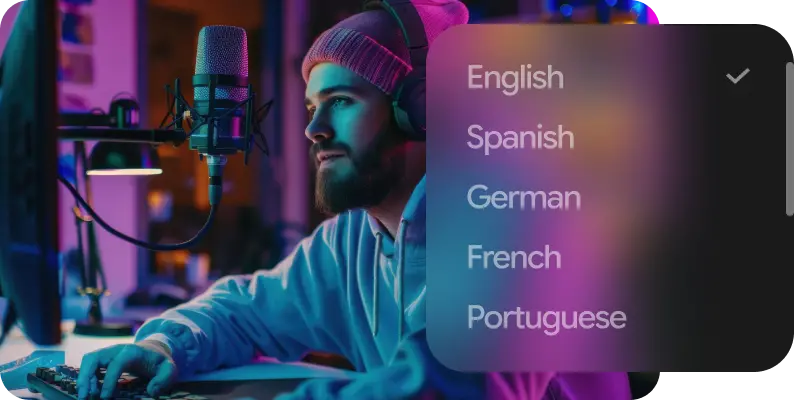
Generate, clone, edit, dub, and enhance voices with natural speech, multilingual support, and powerful creative controls.
Generate studio-quality AI voices from text with natural pronunciation, expressive delivery, and support for multiple languages. Fine-tune pacing, emotion, and tone for any project.
Convert speech into accurate, editable text in seconds. Transcribe interviews, meetings, podcasts, and videos with multilingual support and high precision.
Turn scripts into realistic conversations using multiple AI voices. Create natural dialogue for films, podcasts, games, training, and storytelling.
Transform any voice into a new character while preserving natural speech. Adjust tone, style, and delivery for content, entertainment, and creative productions.
Remove background noise and isolate clear vocals from any recording. Clean up interviews, podcasts, and voiceovers for professional-quality audio.
Translate and dub videos into multiple languages with natural AI voices. Preserve timing, emotion, and lip-sync for global audiences.
Automatically align spoken audio with transcripts down to the word level. Generate precise timestamps for captions, subtitles, editing, and post-production workflows.
Generate natural, studio-quality voiceovers in seconds for videos, ads, podcasts, localization, and every creative project.
Generate natural, expressive voiceovers with realistic speech, emotion, and studio-quality delivery.
Turn text or recordings into professional narration in seconds, reducing editing and production time.
Every generated voice includes commercial usage rights, so you can publish with confidence across any project.
Create high-quality voiceovers for ads, content, storytelling, podcasts, and more, all from a single creative platform.

Create consistent voiceovers for ads, product videos, and campaigns. Update content instantly without re-recording every revision.
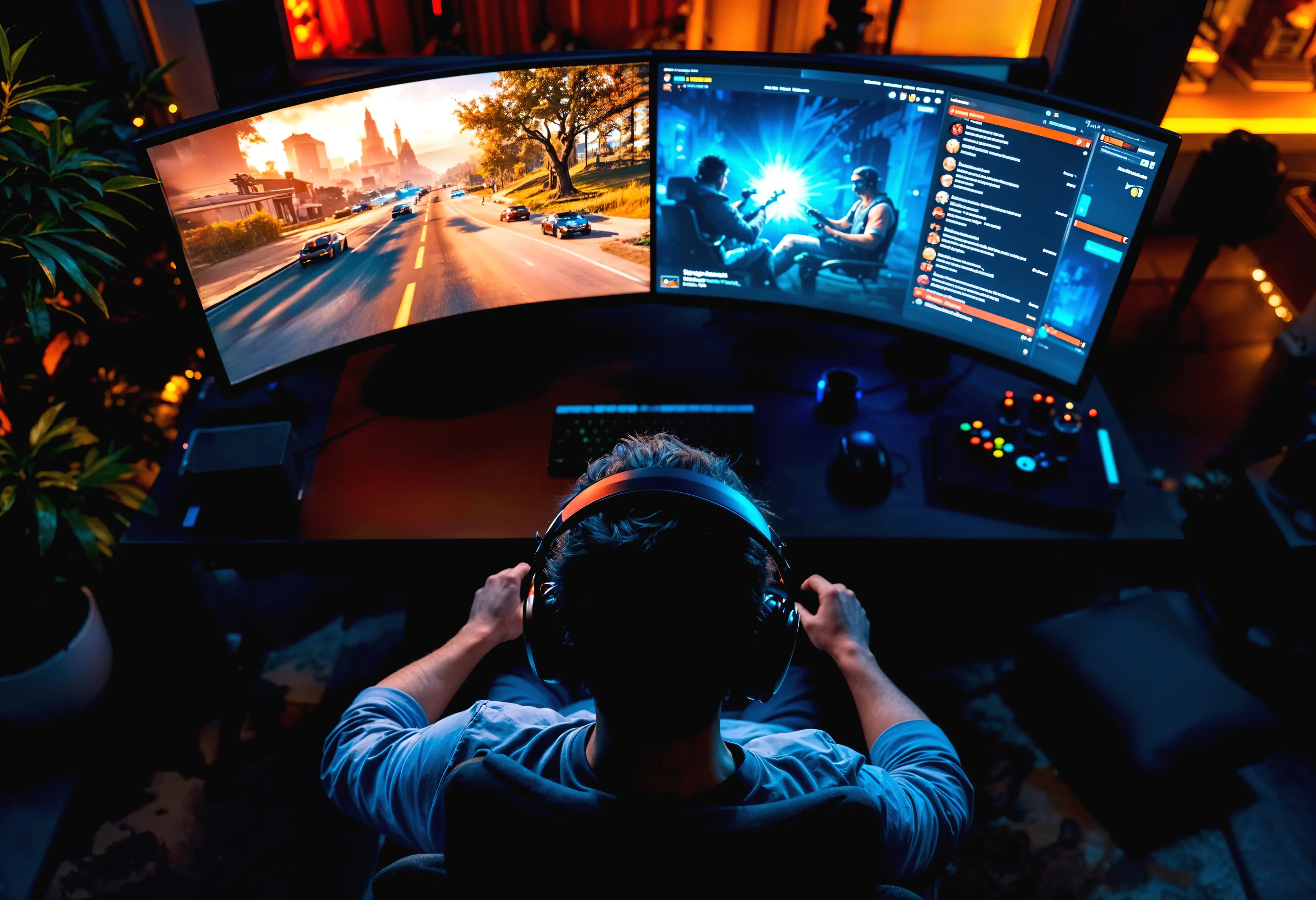
Generate realistic NPC dialogue, test branching conversations, and prototype voice acting while your game evolves.
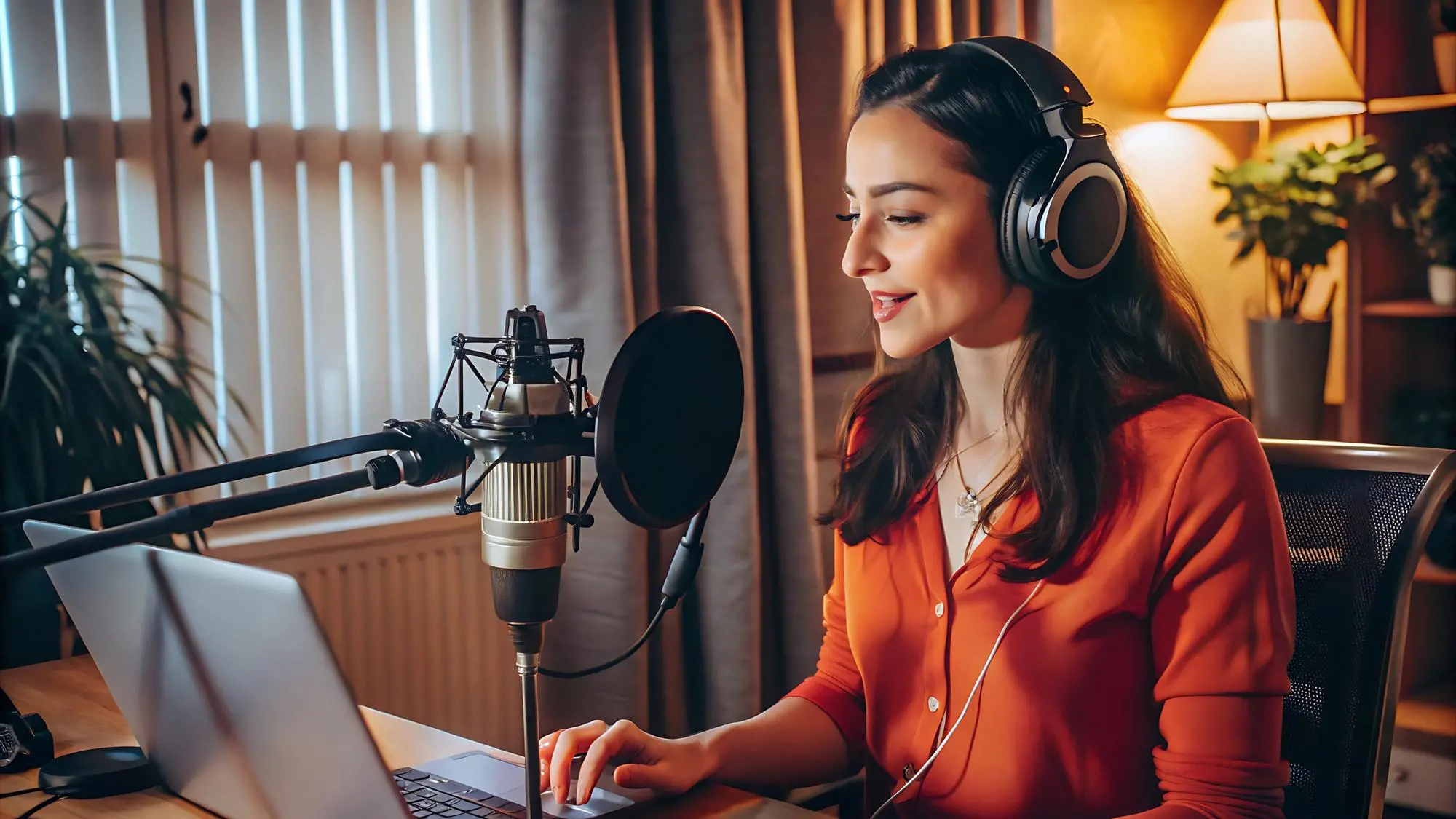
Turn scripts into natural voiceovers for episodes and audiobooks. Publish faster without booking studio sessions.
Create more realistic, expressive voiceovers with a few simple techniques. Small changes to your script can dramatically improve pacing, emotion, and overall delivery.
Split long scripts into smaller sections for smoother pacing, clearer delivery, and more consistent results.
Small punctuation changes can dramatically improve rhythm, emotion, and the natural flow of your voiceover.
Include a short note about the speaker mood or intent to generate more natural, expressive voiceovers.
Create several takes of the same line and choose the one with the best pacing, emotion, and natural delivery instead of over-editing a single result.